
📚
Documentation
Powerful tools for quantitative compositional mapping and analysis
Free and versatile software solution for quantitative chemical maps analysis.

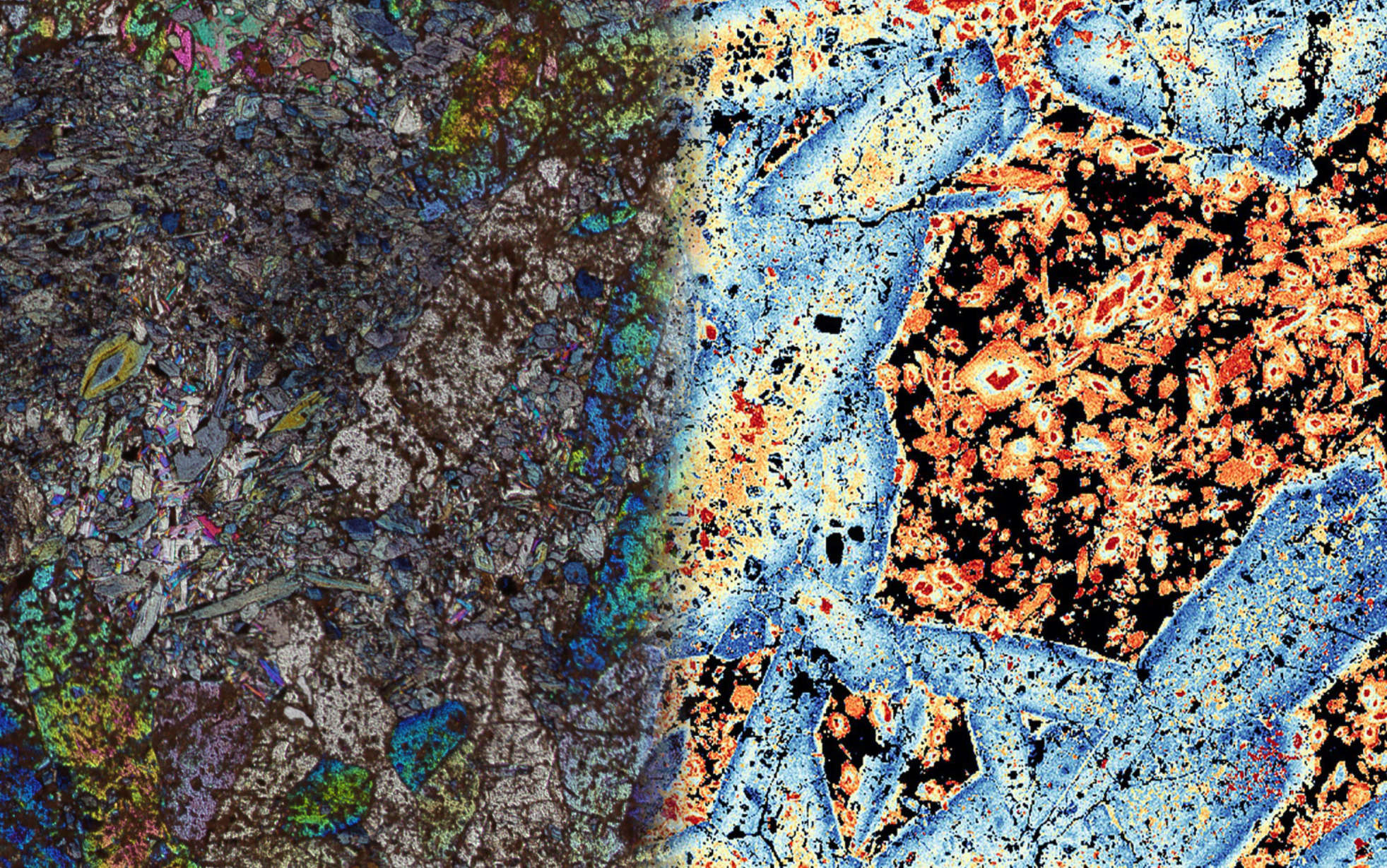
XMapTools is an advanced analysis software for quantitative chemical analysis of solids in 1D, 2D and 3D. It provides numerical tools and packages implemented in a guided and versatile environment that allows you to explore and visualise data in your own way. For example, XMapTools includes a wide range of data processing options including routines for classification, segmentation, calibration and visualisation via single and multi-channel maps or via binary, ternary and spider diagrams.
Contributions to improve or extend the documentation are welcome. Please follow the workflow described below.
git clone https://github.com/<your-username>/Documentation.git
cd Documentationnpm installnpm run devhttp://localhost:5173/Documentation/. Changes to .md files are reflected live in the browser..md files) at the root of the repository.<img> tag:<img src="https://raw.githubusercontent.com/xmaptools/Documentation_Images/main/Figures/my-image.png" alt="description" style="max-width: 100%; height: auto; display: block; margin: 0 auto;">git checkout -b my-contributionnpm run dev.git add .
git commit -m "docs: describe your changes"git push origin my-contributionmain branch of this repository.##, ###) to structure content logically.installation_guide.md).npm run buildThe static site is generated in .vitepress/dist/ and automatically deployed to GitHub Pages via the CI workflow on push to main.